How to Book a BRTA Driving Test Appointment Online

 November 11, 2026 12:19 am
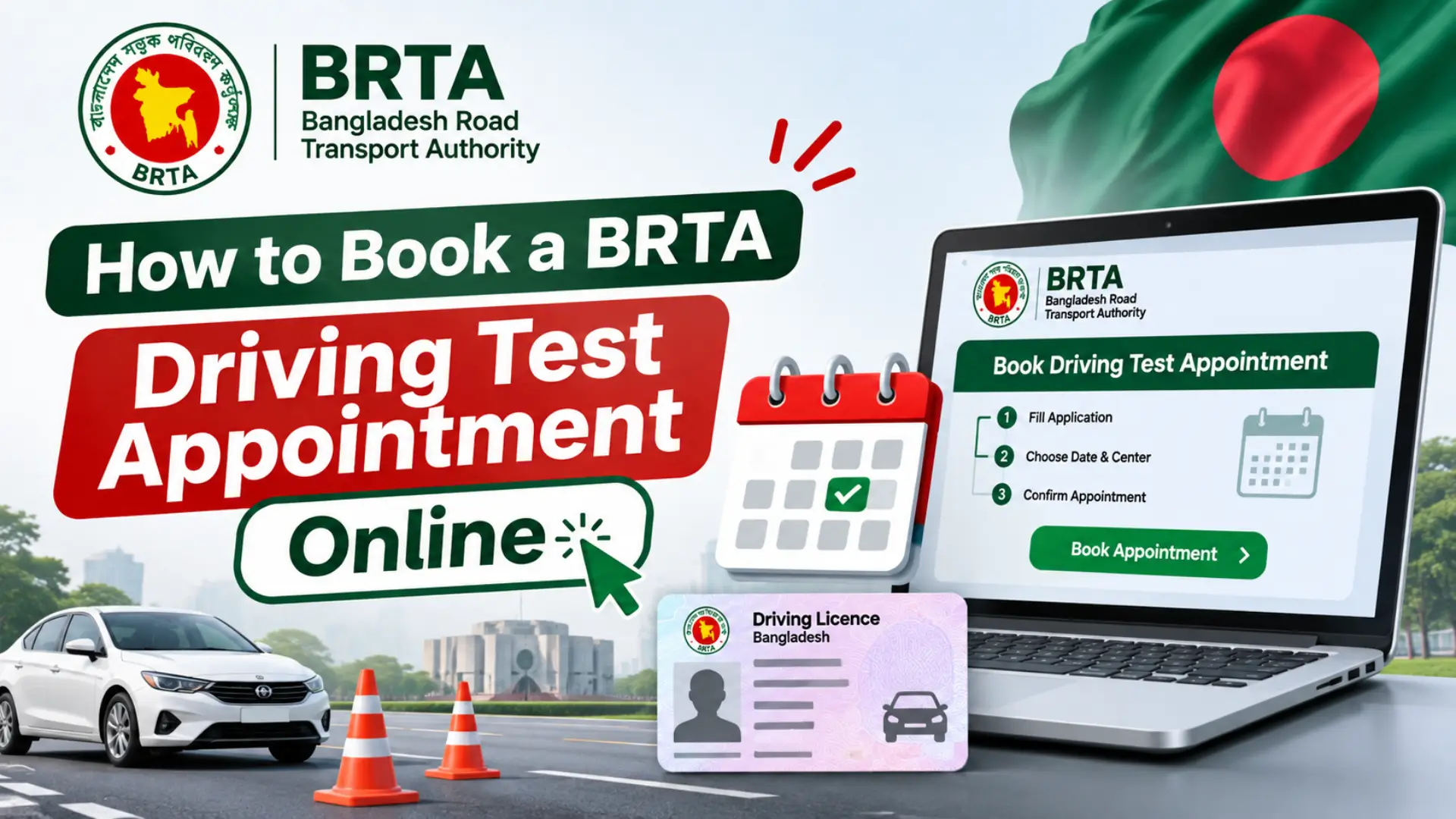
After you get your learner licence and practise driving, the next step is to book your driving test appointment with BRTA. You cannot simply walk in and take the test whenever you like. You must book a date and time at a BRTA circle office, and you must pass the test on that day to move forward to a full driving licence.
The good news is that you can book your driving test appointment online through the BRTA Service Portal (BSP), from home, without visiting the office first. This guide explains when you can book, what you need, and how to book your appointment step by step.
When Can You Book Your Driving Test?
You can book your driving test once your learner licence has been issued and you have practised enough to drive safely. You must hold a valid learner licence when you book, so check that it is still valid before you start. If your learner licence has expired, renew it first and then book your test.
Practise the skills the test covers, such as parking, reversing and following road signs, before you book. Booking too early can waste your chance if you are not ready, so book only when you can drive with confidence and control the vehicle safely.
What You Need Before You Book
Keep these ready before you open the booking page, so you can finish the booking in one sitting:
- Your valid learner licence number.
- Your National Identity Card (NID) details, as they appear in your BSP profile.
- An active mobile number and email address for appointment updates.
- The BRTA circle office where you want to take the test.
- A payment method for the test fee, if the portal asks you to pay while booking.
How to Book a Driving Test Appointment Online
Follow these steps on the BRTA Service Portal (BSP):
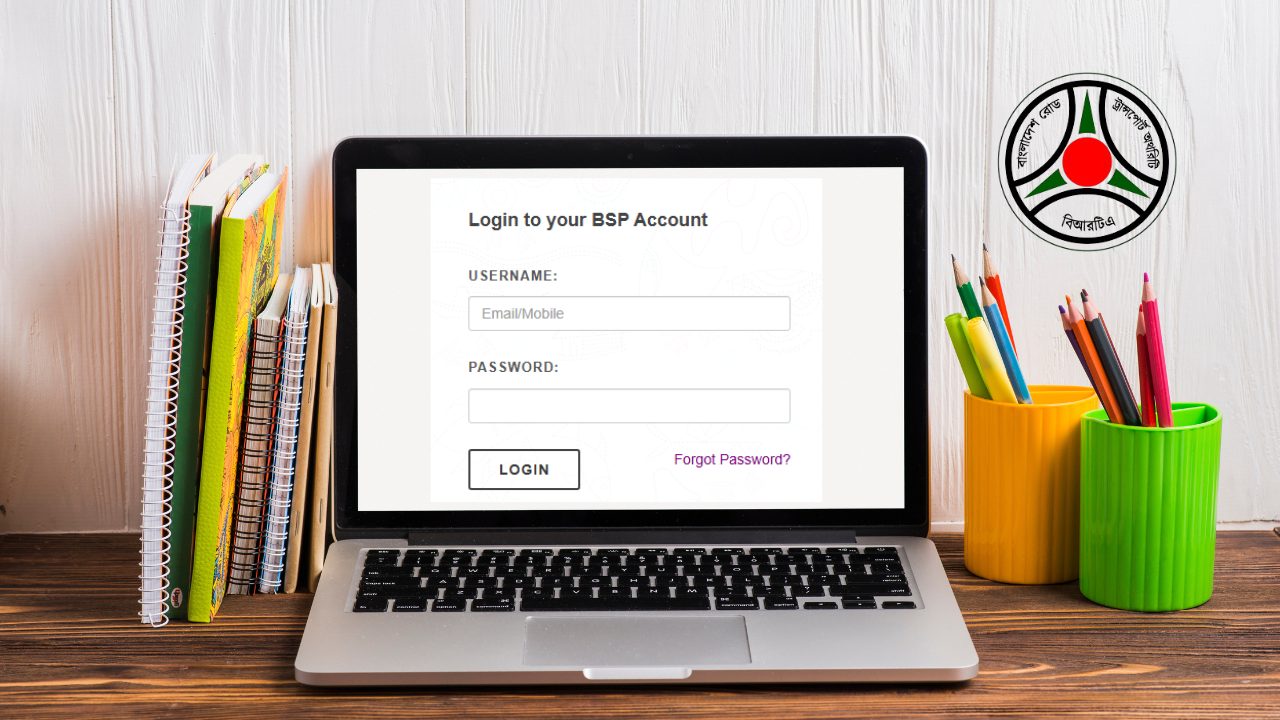
- Log in to the BRTA Service Portal (BSP) with the account you used for your learner licence.
- Open the driving licence section and find the option to book or schedule the driving test.
- Select the BRTA circle office where you want to take the test.
- Pick an available date and time slot from the calendar shown on the portal.
- Check all the details carefully, including the office, date and time.
- Confirm the booking, pay the fee if asked, and save or print your appointment slip.
What Happens on Test Day?
Arrive at the BRTA circle office early on your test day, with your learner licence, NID and appointment slip. The test usually has three parts: a written test, a practical driving test and a viva. You must follow the instructions of the examiner in each part, and you should arrange the vehicle you will use for the practical test as instructed on your appointment slip.
Stay calm, drive the way you practised, and listen carefully to every instruction. If you do not pass one part of the test, the office will tell you what happens next and when you can try again, so ask the officer on duty if anything is unclear.
How to Check or Change Your Appointment
If you need to check your test date, log in to the BSP portal and open your application or appointment status. If you cannot attend on the booked date, look for the option to change or cancel the appointment through the portal before the test day. Some offices may ask you to visit in person to change a booking, so check the instructions on the portal first and keep your appointment slip safe until the test is done.
Common Mistakes to Avoid
- Booking the test before you are ready to drive with confidence.
- Choosing a BRTA circle office far from your home by mistake.
- Entering a wrong learner licence number while booking.
- Forgetting to save or print the appointment slip after booking.
- Arriving late at the test centre on the day of the test.
Conclusion
Booking your BRTA driving test appointment online is simple once your learner licence is ready. Choose your circle office, pick a date you are prepared for, and keep your appointment slip safe. Practise well, arrive on time, and stay calm during the test — a good booking and good preparation are the best way to pass.