How to Check BRTA Driving Licence Smart Card Delivery Status

 October 27, 2026 2:11 pm
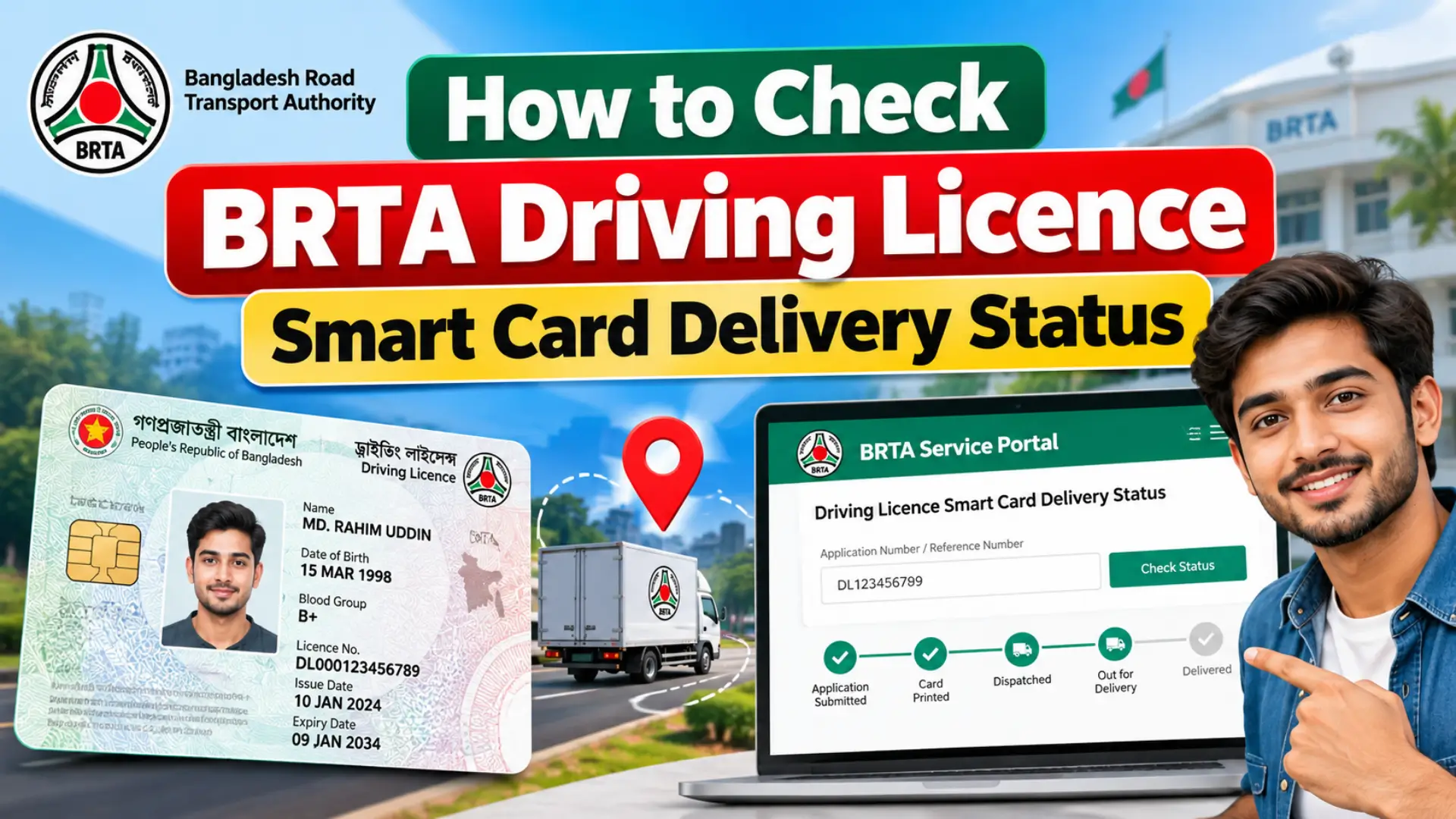
After you pass your driving test and complete your licence application, BRTA issues your driving licence as a smart card. Waiting for the card can be stressful, but you do not need to visit the BRTA office just to ask whether it is ready. In most cases, you can check the delivery status of your smart card online through the official BSP portal, using the reference details from your application.
What You Need Before You Check
Keep the following items ready before you start, so the check goes smoothly:
- Your acknowledgement slip or application reference from when you applied.
- The national identity (NID) details used in the application.
- The mobile number you registered with, so you can receive updates about your application.
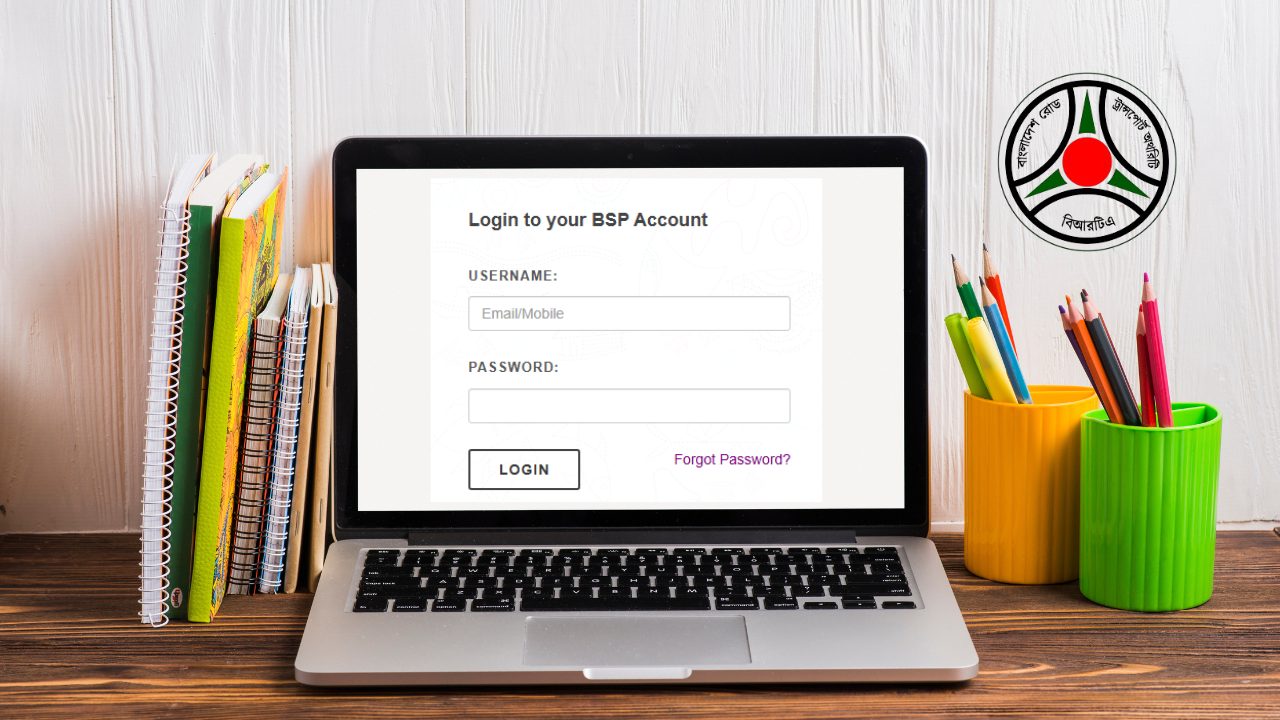
- Your BSP account login details. If you need help signing in, see the BRTA login guide.
Step-by-Step: Check Your Smart Card Delivery Status Online
- Open the official BSP portal at bsp.brta.gov.bd and log in to your account.
- Go to the driving licence section of your dashboard.
- Find your licence application or the smart card status option and open it.
- If asked, enter your application reference and identity details exactly as they appear on your acknowledgement slip.
- Read the status shown for your smart card.
The exact names of menus and buttons on the portal can change over time, so follow the labels shown on screen. If a page asks for details you do not have, check your acknowledgement slip again before trying a second time.
What Each Status Usually Means
The wording on the portal may differ slightly, but the status usually means one of the following:
- Under process or pending: your application is still being worked on.
- Printed or ready: your smart card has been prepared.
- Dispatched or ready for collection: your card has been sent to the BRTA circle office, or it is ready for you to collect.
- Delivered or collected: the card has already been handed over.
If Your Smart Card Is Ready for Collection
- Visit the BRTA circle office where you applied, and take your acknowledgement slip and your NID with you.
- Before you leave the counter, check the name, licence number, and other details printed on the card.
- If any detail looks wrong, tell the office staff right away so it can be corrected.
If the Status Has Not Changed for a Long Time
- Double-check that you entered the reference and identity details correctly.
- Make sure the mobile number on your application is active, so you do not miss updates.
- Contact the BRTA circle office where you applied, and keep your acknowledgement slip safe, since it is the proof of your application.
- Use only official BRTA channels. Do not pay anyone outside the official process to speed up delivery.
Common Problems and What to Do
- Cannot log in: use the password recovery option on the portal, or follow the BRTA login guide.
- Details do not match: compare them letter by letter with your acknowledgement slip and your NID.
- The status page shows nothing: your application may still be under process, or the reference may have been entered incorrectly, so try again carefully.
Conclusion
Checking your BRTA driving licence smart card delivery status online saves you a trip to the office and tells you exactly when your card is ready. Keep your acknowledgement slip safe, follow the status shown on the official BSP portal, and collect your card from your BRTA circle office once it is ready. To learn how the smart card differs from the digital format, see E-Driving License in Bangladesh: Digital Format vs Smart Card.