Can I Pay New Vehicle Registration Fee on BRTA iPay?

 October 9, 2026 4:26 pm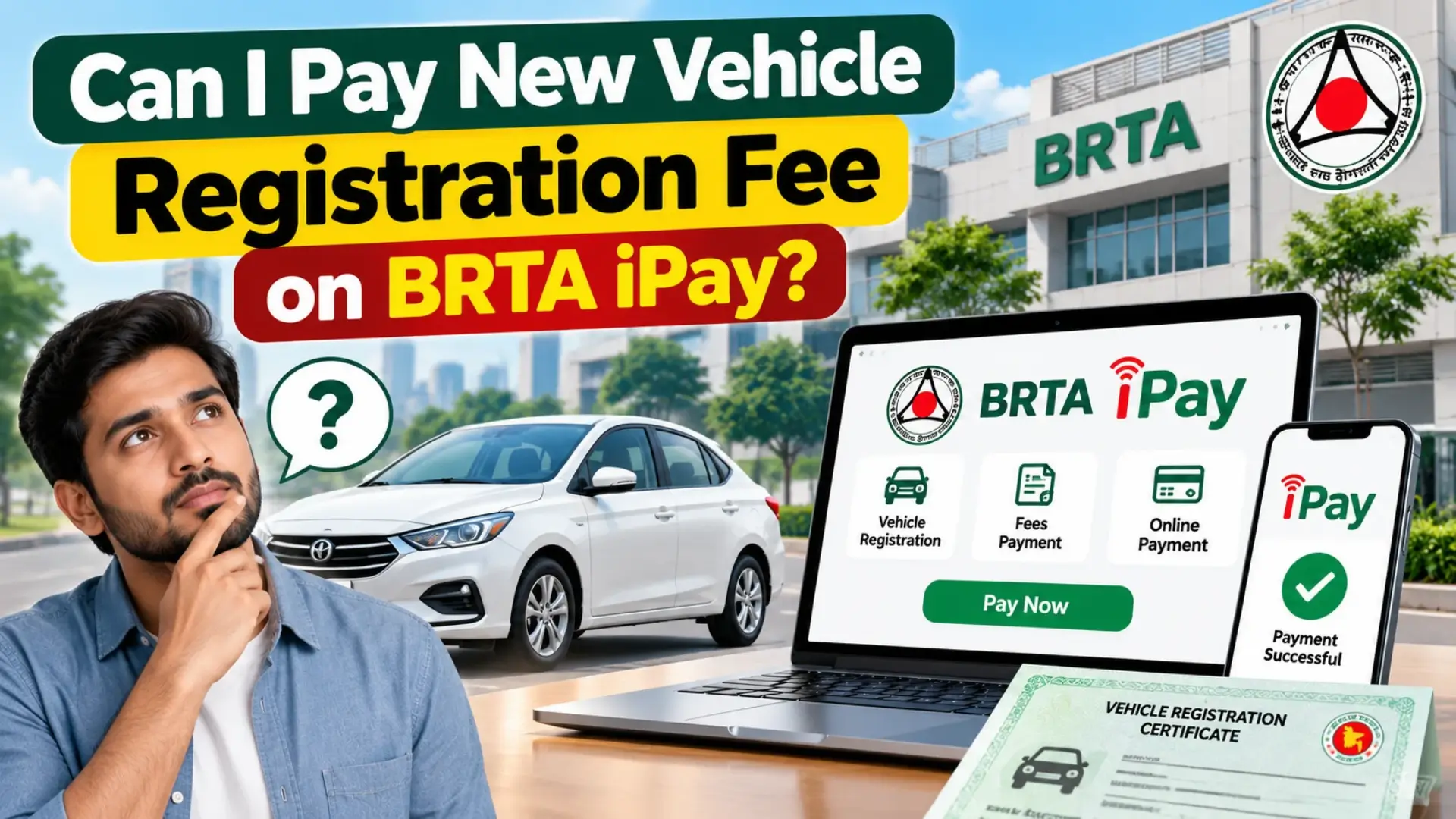
Buying a new car or motorcycle in Bangladesh means registering it with the Bangladesh Road Transport Authority (BRTA). Many owners ask whether the registration fee can be paid online through “BRTA iPay” instead of standing in a queue at a bank. The short answer is yes: BRTA fees can be paid online through the BRTA Service Portal and its payment gateways. This guide explains how.
What Is BRTA iPay?
“iPay BRTA” is the name used for the online payment side of the BRTA Service Portal. The service is run with BRTA’s digital service provider, Computer Network Systems (CNS) Limited. A news report on bKash payments told users to open an account through an iPay BRTA link and then apply for services through the BRTA service portal, bsp.brta.gov.bd. In practice, you use your BRTA portal account and choose a payment gateway.
Because the names and links used for these services have changed over the years, always start from the official BRTA website, brta.gov.bd, and follow its link to the service portal.
Can You Pay the New Registration Fee Online?
Yes. Online payment covers the main BRTA services. For example, BRTA fees payable through bKash include motor vehicle registration, transfer of ownership, digital registration certificate, fitness, tax token and route permit. Nagad works the same way: customers can pay fees for motor vehicle registration, driving licence, fitness, tax token and route permit through the Nagad gateway without visiting banks or BRTA-designated locations.
Before online payment existed, fees for digital number plates and registration certificates had to be deposited at bank branches. Online payment is now an alternative.
Step-by-Step: How to Pay Online
- Create an account. An account must first be registered on the BRTA Service Portal (bsp.brta.gov.bd). You complete registration with an OTP, your required details and a password.
- Log in and choose the service you need, such as new vehicle registration, from the menu.
- Fill in the application with your vehicle and owner details and upload any documents asked for.
- Review the payment confirmation page. It shows all the information you entered, so check it carefully.
- Choose a payment gateway such as bKash or Nagad and enter your wallet number.
- Confirm the payment with the OTP and your PIN. With bKash, payment completes instantly once confirmed with your PIN.
- Save your receipt. Nagad customers get an e-receipt as soon as they pay.
Portal menus can change, so follow the labels you see on screen.
Charges and Extra Costs
- Convenience charge: Earlier reports said a 1.5 percent convenience charge applies when paying through Nagad, and the same rate was reported for bKash. These reports are from earlier years, so check the current rate on the payment page.
- Tax token delivery: If you pay a tax token fee through bKash, a BDT 50 delivery charge applies and the token arrives within 3 to 7 days.
- Registration fees: The exact fee depends on your vehicle type and engine capacity, so check the current fee on the official portal rather than relying on old articles.
Other Ways to Pay
- Bank payment: Fees for registration certificates and number plates were previously deposited at branches of designated commercial banks, and this may still be an option.
- BRTA office: You can ask staff at your local BRTA circle office for help with payment.
Tips Before You Pay
- Only use the official BRTA site or the link it gives you. Never enter your PIN or OTP on a site you reached through a social media ad or message.
- Check every detail, such as chassis number, engine number and owner name, before paying.
- Screenshot or download your receipt.
- If something goes wrong, call the BRTA hotline. Earlier reports gave the numbers 16107 and 09610 990 998, available Sunday to Thursday, 9am to 4pm.
FAQS About New vehicle Registration fee on BRTA iPay?
Can I pay a New vehicle Registration fee on BRTA iPay?
Yes. Registration fees can be paid online through the BRTA Service Portal using payment gateways.
Which payment methods can I use?
Mobile wallets such as bKash and Nagad are confirmed options. Bank payment may also be available.
Is there an extra charge for online payment?
Earlier reports mention a 1.5 percent convenience charge. Check the current rate before paying.
Do I need an account on the BRTA Service Portal?
Yes, you register an account first with your mobile number and OTP.
How long does tax token delivery take?
With bKash, the token is delivered within 3 to 7 days of payment.
Who do I call if my payment fails?
Call the BRTA hotline, 16107.
Conclusion
Paying your new vehicle registration fee online through the BRTA Service Portal saves time and avoids queues. Create your portal account, choose bKash or Nagad, confirm with your PIN, and keep the receipt. Use only official BRTA links, and verify current fees and charges before you pay.